
Transform your workflow with AI that turns plain instructions into powerful outputs. Master ChatGPT in minutes, not months.
🤖 What is ChatGPT?
+
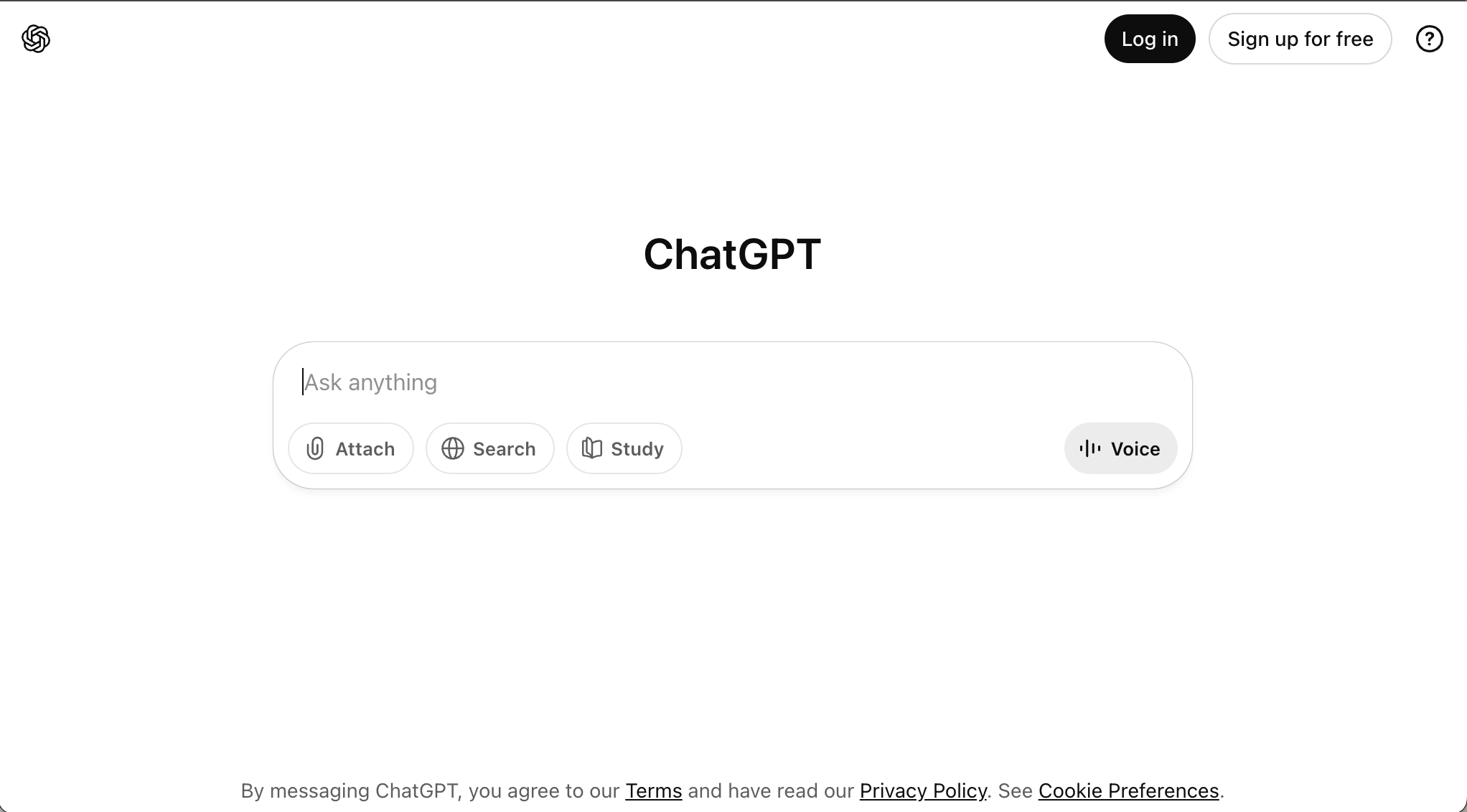
As you heard in the video, in this course we will focus on ChatGPT but you can use your workplace AI app.
ChatGPT is a large-language-model chatbot that turns plain instructions into useful text — from shopping lists to strategy outlines — faster than you can make a brew.
Copied!
ChatGPT turns your questions, requests and instructions into drafts and outputs - helping you to complete tasks quickly and efficiently!
🧠 Personalization Setup
+
💡Pro Tip: Enable memory for a personalized experience that improves over time.
For a more personalised experience, ChatGPT can remember details between chats. To enable this feature (automatically switched off in the EU and UK):
✓
Go to the Diamond icon in ChatGPT
✓
Select 'Settings'
✓
Navigate to 'Personalisation'
✓
Toggle on 'Reference saved memories'
✓
Read the 'Privacy notice' before proceeding
⚡ Key Features & Interface
+
ChatGPT has a range of features to help you work individually or collaboratively:
1
'Ask anything' field
Use for prompting in text or voice mode
2
+ symbol
Add files to use with your prompts
3
Deep research
Get detailed reports from files or cloud storage
4
Canvas (Three dots)
Collaborate on writing and code
🚀 10 Practical Tasks to Get Started
+
ChatGPT writes, summarises, brainstorms, edits, translates and much more. Here are actionable ideas:
1
Draft well-structured emails from bullet points
2
Edit messages for better tone, clarity and brevity
3
Generate templated FAQ responses
4
Create meeting agendas and minutes
5
Summarise long documents and email threads
6
Generate prioritized to-do lists
7
Convert messy data into themed tables
8
Create process checklists and instructions
9
Format text for reports and presentations
10
Draft project timelines with milestones
⚠️Privacy & Security: Always use your company's approved AI assistant if employed. For freelancers/self-employed, use paid business/enterprise versions for data protection.
📚 Additional Resources
Using ChatGPT with intention maximizes efficiency and improves outputs.
💭Remember: Without the paid version you might have to remind ChatGPT about your preferences more often, but it will still save you hours. The more you teach it, the better it responds.