
Four. That is how many separate Meta surfaces a developer had to move between to stand up a WhatsApp Business API account: the Developer Console, Business Manager, the API reference and their own code editor. One trade report on Meta's MCP release set out that old sequence, and anyone who has onboarded a clinic or a salon will recognise it immediately.
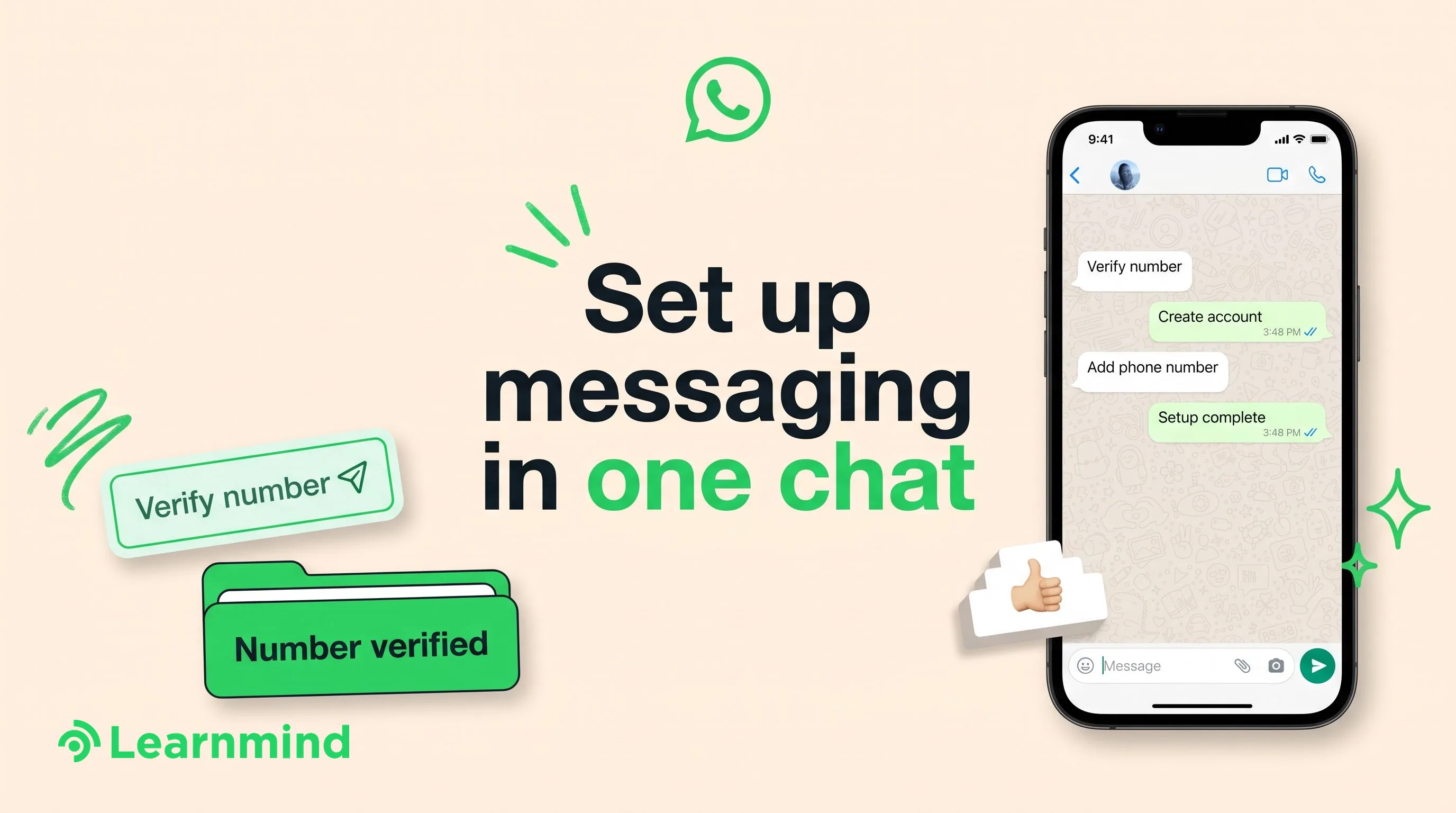
That number is now one. AI WhatsApp Business setup automation shipped this month in the plainest possible form: a chat window, an AI coding agent, and a connection straight into the WhatsApp Business Platform. The account gets created, the phone number gets added and verified, and Cloud API registration happens without anybody tabbing between consoles.
What Meta Actually Shipped
The mechanism is a new server called WhatsApp Business Tools MCP. It uses the Model Context Protocol to connect an AI coding agent (Claude, Cursor, Codex or ChatGPT are the ones named) directly to the WhatsApp Business Platform. The agent is not scraping a dashboard or driving a browser. It is calling the platform.
A second server, Meta Social Technologies MCP, sits alongside it. During setup it can discover API endpoints, search the documentation and help work out why a call failed. Between the two, the reference material and the configuration surface are in the same session as the work.
The direction is corroborated by Meta's own developer changelog, updated 3 September 2026, which documents a reworked Embedded Signup flow: business customers now enter and verify their phone number at the very start, before creating business assets. Verification first, assets second. That reordering matters more than it sounds, and I will come back to it.
The Setup Agent, Defined
Call the pattern the Setup Agent. One sentence: the Setup Agent is an AI agent, wired into a platform's own MCP server, that performs the vendor's onboarding labour end to end and leaves behind only the decisions a human has to legally or commercially own.
It is worth naming because the shape will repeat. Once a platform exposes its configuration surface to agents, the value of knowing where the buttons are drops to roughly nothing, and the value of knowing which decisions carry consequences goes up. Every agency that billed for the clicking is now billing for the wrong thing.
What AI WhatsApp Business Setup Automation Covers Today
The trade coverage of the release lists four setup tasks the agent takes on: creating the company's WhatsApp Business account, adding and verifying its phone number, registering the account for Cloud API access, and checking the business's Terms of Service status. That list comes from reporting rather than from a platform reference page, which is worth knowing before you repeat it in a client proposal. Those four together were the bulk of the old back and forth.
It goes past setup. A business can describe a messaging template in ordinary language and have the agent create it, or hand it an existing template and ask for an edit. Template drafting has been a quiet time sink in every onboarding, mostly because the person who knows what the message should say is never the person who knows what the platform will accept.
The third capability is the one an operations lead should care about most. The agent can test messages and webhooks, and monitor the things that used to fail silently: Terms of Service acceptance, the payment method on file, and Business Verification status. Silent failure is the characteristic bug of this platform. An account looks live, messages appear to send, and nothing arrives. If you want the detail on which delivery events are worth watching after go-live, we covered webhook events worth watching separately.
Where the Human Sign-Off Still Sits
Here is the honest limit, and it is the reason nobody should sell this as a fully automated onboarding.
The agent surfaces Business Verification problems. It does not pass Business Verification for you. That is Meta reviewing documents about a legal entity, on Meta's timetable, and no MCP server shortens a review queue. The same goes for display name review: the agent can submit, but the decision belongs to Meta.
A payment method needs a real card and a real person authorised to put it on the account. Terms of Service acceptance needs someone who can bind the business. In a clinic or an agency, that person is usually the owner, and the owner is usually the hardest hour to book in the whole project.
Then there is the separate question of what happens after go-live, once an AI is answering messages rather than configuring them. Meta's business AI product documentation describes a handoff control, where the business instructs the AI to transfer sensitive conversations to a person. Different product, same principle: the platform assumes a human stays in the loop on the things that matter, and so should you.
Why a Multi-Week Onboarding Compresses Into One Session
The compression is real, but it is unevenly distributed, and the reason is worth understanding before you price anything.
One industry setup guide puts it bluntly: most delays come from missing paperwork rather than technical work, and getting the requirements ready before you start is what turns a multi-week wait into a few working days. Treat that as practitioner commentary rather than a published platform timeline; Meta commits to no review duration. It was true before this release and it remains true after it. What the Setup Agent removes is the developer hours, the context switching between four surfaces, and the two-day gaps where a configuration error sat undiagnosed because nobody thought to check whether the payment method had failed.
So the arithmetic changes shape. The technical portion of onboarding, which used to be measured in developer half-days spread across a week, becomes a single session. The paperwork portion does not move at all. If a clinic walks in with its trade licence, its verified entity details, a clean phone number and an owner on the call, the whole thing can finish in an afternoon. If it walks in with none of those, the Setup Agent saves you a day and you still wait two weeks.
That is also why Meta's 3 September reordering of Embedded Signup matters. Verifying the number before assets are created means the most common hard failure (a number already tied to a personal WhatsApp account, or a number nobody can receive a code on) surfaces in minute one rather than in hour three.
The Four-Gate Test Before You Book a Same-Day Session
Apply this before anyone opens an agent session. Four gates. All four have to be green, and they are all things you can check in a ten-minute phone call.
- Entity. Does the business have its registration or trade licence to hand, with the legal name exactly as it appears on the document, and is the person who can accept Meta's terms going to be reachable during the session?
- Number. Is the phone number free of any existing WhatsApp account, and can someone answer it live to complete verification the moment it is asked for?
- Name. Is the display name the one customers already recognise from the signage, the website and the invoices? Submitting an internal abbreviation is how a same-day project becomes a two-week project.
- Billing. Is there a card that can go on the account today, and an owner-level admin in Business Manager rather than a marketing freelancer who left in March?
Green on all four means same-day is a reasonable commitment. Red on any one of them means the delay is in the paperwork, and no amount of automation touches it. Say that to the client on the readiness call, not on the day.
The questions to put to any vendor selling you same-day setup
These are the ones that separate an operator who has done this from one who read the announcement. Ask them verbatim.
- Does my WhatsApp Business Account end up in my Business Manager or in yours, and who owns the phone number after go-live?
- What is the exact process, in writing, to move the account to another provider later?
- Which steps in the setup did an agent perform and which did a person perform? Show me the session log.
- What is your definition of live: number verified, template approved, or first message delivered to a real customer?
- Do you re-run the message and webhook tests after go-live, and what alerts me when delivery breaks?
- If Business Verification is rejected, what happens to the fee and who handles the resubmission?
- Which templates are you submitting on day one, and what is the plan if any are rejected?
Selling Same-Day Onboarding Without Overpromising
The commercial opportunity is genuine and narrow, and the failure mode is obvious: promising a timeline that depends on a review queue you do not control.
Split the offer. Price a readiness session, where you run the four gates and collect the documents, and price the setup session separately. The readiness session is where the client's delay actually lives, so that is where your work has value. The setup session is now short enough that charging developer day rates for it will look indefensible within a quarter, because the client will read the same announcement you did.
Promise the session, never the approval. Meta reviews display names, verifies businesses and approves templates on its own schedule, and no MCP server sits between you and that queue. Write the commitment around the work you control: the account configured, tested and submitted within one working day of the documents being complete.
A few specifics that hold up in practice:
- Keep the WhatsApp Business Account in the client's Business Manager from the first minute, with your agency added as a partner. Accounts created inside an agency's own portfolio become a hostage negotiation the day the client leaves, and clients increasingly ask about this before signing.
- Submit a small first batch of templates rather than a full library. Rejections are easier to diagnose and resubmit when there are three of them, and the agent can edit an existing template on request rather than starting again.
- Run the webhook and message tests as a delivery step with the client watching, rather than as an internal checkbox. It is the single clearest demonstration that the account works, and it turns an invisible technical process into something the owner can see.
- Do the Business Verification document collection before the setup session. It is the longest pole and the one most often left until someone notices the account is capped.
- Treat the payment method and Terms of Service status as monitored conditions rather than one-time tasks. Both can fail quietly later, which is precisely why the agent now watches them.
- Be careful with what you claim about results. Meta's May 2026 announcement of business AI for small businesses in India carries a small business owner's quote reporting that conversion improved sharply after round-the-clock support was switched on (India announcement). That is a single unverified self-report inside a product launch, with no published study behind it, and repeating it to a client as an expected outcome is how a relationship starts badly.
One more thing to be straight about: this release changes how an account is configured. Messaging costs sit entirely outside it. Conversation pricing, template categories and the rules about what you can send are where the running bill actually comes from. We keep platform rules and costs documented separately for that reason.
Questions owners ask before booking a same-day WhatsApp setup
If the AI does the setup, what am I paying an agency for?
Readiness, decisions and what happens after day one. The four gates, the display name choice, the template wording that survives review, the escalation rules for when a conversation needs a person, and the monitoring that catches a silently failed payment method in week six. Configuration was always the visible part of the job. The cost sat everywhere else.
Can I run the Setup Agent myself instead of hiring anyone?
Technically yes, if you already use one of the named AI coding agents and are comfortable connecting an MCP server to your Meta assets. The risk is not that it breaks, it is that it succeeds at something you did not intend: the wrong display name submitted, the account created in the wrong portfolio, a number burned because it was already tied to a personal WhatsApp. Those are cheap to avoid and slow to reverse.
Does this mean Business Verification is faster now?
No. Verification is a document review by Meta and nothing in this release shortens it. What changes is that verification problems are surfaced by the agent rather than discovered weeks later when someone notices the account is limited.
Our WhatsApp account is already live. Is any of this useful to us?
The setup half, no. The rest, yes. Template creation and editing, message and webhook testing, and monitoring of Terms of Service, payment method and verification status all apply to an account that has been running for two years. Most long-running accounts have at least one of those quietly broken.
If you are weighing whether to package same-day onboarding this quarter, or you want the four gates run against a client you are about to start, we are happy to talk it through with you.
Related reading
- Click to WhatsApp Ads Setup: Routing Every Lead Into Your AI Agent's Queue
- The WhatsApp Business Platform Reference: What's Allowed, What Costs Money, and What Actually Ships
- Will WhatsApp Automation Get Your Business Banned?