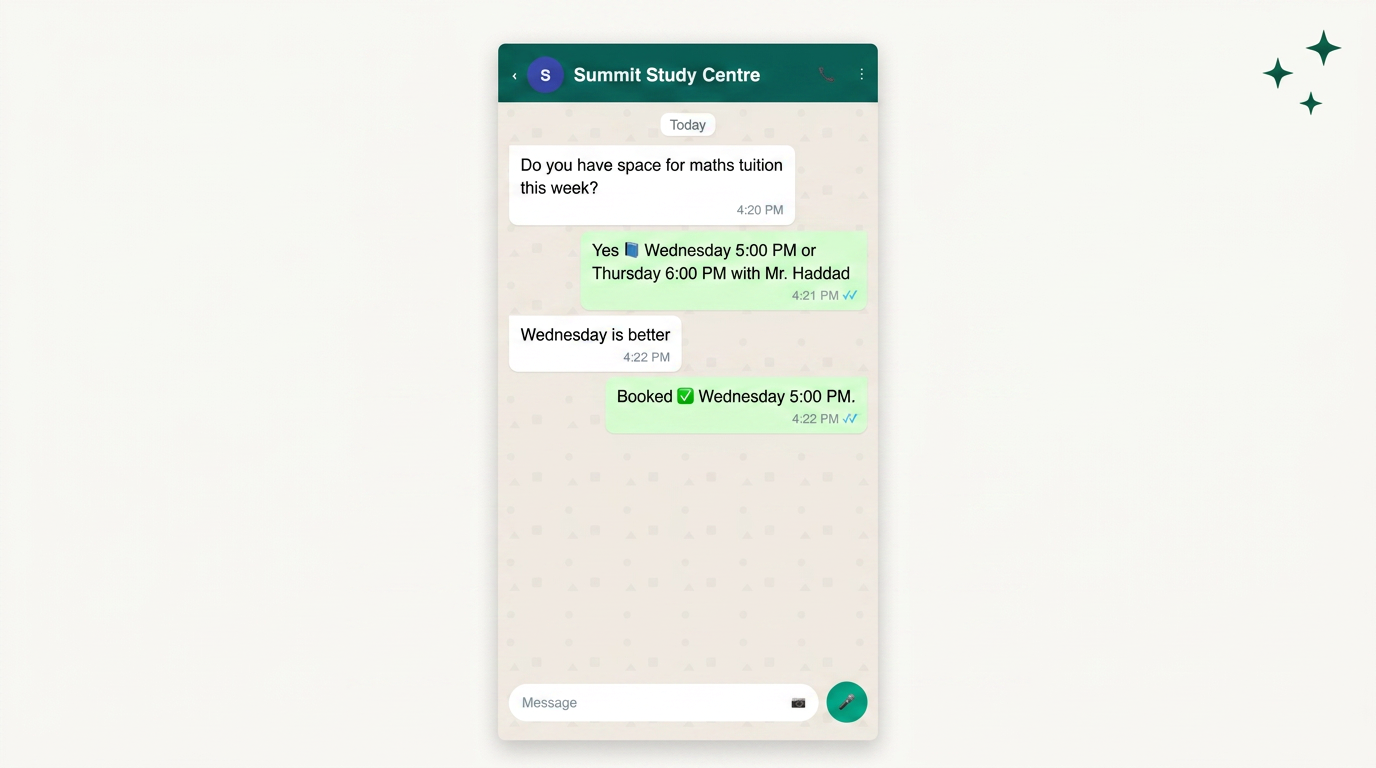
Most of the businesses that ask us this question are standing at the same fork. Their WhatsApp number already works, someone answers it, and the current booking process is a link pasted into the chat: a Typeform, a Calendly page, a Linktree hub with four buttons on it. Then a renewal notice arrives for the form tool, or an agency quotes them a rebuild, or they finally look at how many people tap that link and never come back. That is the moment to decide whether the form belongs inside the thread or outside it.
Some readers can stop reading now. If you take fewer than about twenty bookings a week, all from one service at one location, and a staff member is already replying to every message by hand, the link is fine. Keep it. Spend the money on a reminder sequence instead, because reducing no-shows is the fastest return in appointment automation and it does not require you to rebuild anything. And if you are not yet on the WhatsApp Business Platform at all (the API, not the phone app), Flows are not available to you, so the comparison is academic until that changes.
The short answer, given away up front
For any service business already messaging customers on the WhatsApp Business Platform, WhatsApp Flows beat external booking forms like Typeform and link hubs like Linktree for one reason: the customer never leaves the chat, and leaving the chat is where bookings die. Shoplinx's 2026 performance audit put traditional web form abandonment at 67% abandonment, attributing it to slow mobile loading and the context switch of leaving the app, against a 3x higher completion rate for the same form built as a Flow. Meta's own case study on Lenovo in Indonesia reports an 8.2x boost in conversion for service appointment bookings compared with the website route.
The rest of this article is about why that gap exists, what it costs you to close it, and the three situations where the external form is still the right call. Because Flows are not free of friction. They just move the friction from your customer to you.

Completion rate: what the context switch actually costs
A tap on an external link is not one step. It is a browser launch, a page load on whatever connection the customer has in a lift or a car park, a cookie banner, a form that expects a name they have already given you, and a keyboard that behaves differently from the one they were just using. Each of those is a place to give up. Typeform is a genuinely well-made form product and none of that is a criticism of its design; the losses happen before the customer sees the design.
Flows remove the launch entirely. Meta's developer team describes Flows as eliminating the need to redirect users to an external website for appointment bookings, with the whole booking completed inside WhatsApp. Whatsable's industry roundup describes Flows as multi-step in-chat forms that collect structured data without redirecting, and notes they consistently outperform email forms on completion.
Linktree sits in a worse position than Typeform here, not a better one. A link hub adds a choice screen before the form: the customer taps out of chat, lands on a menu of five buttons, picks one, then loads a second page. You have added a decision and a load to a journey you were trying to shorten. Link hubs earn their keep on an Instagram bio, where you have exactly one link slot. In a chat thread you have unlimited slots, so the constraint the product was invented to solve does not exist.
The tailoring comparison we use with clients: a link hub is a rack of ready-to-wear jackets you send the customer across town to browse. A Flow is the tailor stepping forward with the tape measure while the customer is still standing in the shop. Same jacket, different odds of a sale.
Approval, review and the compliance ceiling
This is where external forms win on speed and Flows cost you patience. A Typeform goes live when you press publish. A Flow goes through Meta review. Kanal's guide reports that most Flows are reviewed within 24 to 48 hours, with marketing Flows taking longer than utility or support Flows, and lists the usual rejection reasons: requesting sensitive data without a clear purpose (health information, payment card details), broken screen transitions, a missing privacy policy link, and templates that promote competing messaging apps.
That last one bites more people than you would expect. We have watched a clinic get a Flow rejected because the confirmation screen offered to continue the conversation on another platform. Read the list before you build, not after.
There is a second compliance layer that has nothing to do with the form and everything to do with how you start the conversation. Any message you send first, including the one carrying the Flow, is a template message and needs opt-in. Meta requires an explicit opt-in from the customer before you initiate business-initiated messages, and the opt-in has to name WhatsApp specifically. Bolting a Flow onto a contact list you collected for email will damage your quality rating fast; if you are already seeing warnings, our notes on moving yellow back to green cover the recovery sequence, and our breakdown of what triggers an account review explains why the first week of a new send pattern is the risky one.
Health data deserves its own sentence. If your booking form asks what the appointment is for and the answer is a medical condition, that is a sensitive-data Flow, and Meta will want a clear purpose and a linked privacy policy. Several of our clinic clients keep the Flow to name, service category, date and time, then handle anything clinical in the human conversation afterwards. That is also better care.
Payments, deposits and the honest gap
The single most common reason our clients keep an external link is money. If you take a deposit at booking, and your payment provider is not natively wired into your Flow, the customer has to leave the chat to pay anyway. At that point you have two context switches instead of one, and you would have been better off sending them straight to a page that collects details and payment together.
So the honest ranking on payments depends on your stack. If your BSP supports a native payment or checkout step, or your Flow can hand off to a hosted payment link that returns the customer to the thread, keep it in chat. If it cannot, and the deposit is non-negotiable, the external page wins that specific journey. What we do not recommend is asking for card details inside a Flow screen. Kanal lists payment card details among the sensitive-data requests that get Flows rejected, and it is the right restriction.
A worked example from the pattern we install most often, a composite of projects we have worked on. Enquiry arrives from an Instagram ad. The reply confirms the opt-in and offers a Flow. Screen one: service category. Screen two: preferred branch. Screen three: available slots pulled live from the calendar, which is the part 8x8 describes as dynamic appointment booking where the next screen depends on the previous answer. Screen four: name and confirmation. Then a payment link for the deposit, sent as a message in the thread, so the customer pays from where they already are and lands back in chat when Apple Pay or the card page closes. Two surfaces, one thread. That is the compromise that actually holds.
Data, routing and what happens after submit
External form tools give you a submission. What you usually want is a booking in the calendar, a customer record in the CRM, a reminder sequence armed, and the whole thing attached to the same chat thread the customer will reply in. Getting a Typeform submission back to the right WhatsApp conversation means matching on phone number, and phone numbers arrive in six formats. We spend real hours on this for clients who insist on keeping their forms.
A Flow submission arrives with the conversation attached by definition. The customer identity, the thread, the structured answers and the timestamp come as one payload, which is why the reminder sequence built on top of it is trivial rather than fiddly. LINK Mobility describes Flows as making guided, interactive conversations happen right inside the messaging app, covering product selection, appointment booking, lead qualification and surveys. The value for the operator is less about the conversation and more about the clean record it leaves behind.
One more platform note that changes what you can build on top of either option. Chatarmin's 2026 comparison reports that Meta has banned open general-purpose AI bots on WhatsApp, with only specialised business bots for customer service and commerce permitted through the API. So the plan where a general chatbot free-texts its way through a booking is off the table. A structured Flow plus a human who handles the exceptions is now both the compliant design and, in our experience, the better one. Clients pay premium prices for the human judgment at the end of the thread; the Flow exists to stop staff typing out availability twelve times a day.
Maintenance cost, said plainly
Flows need version management. Change your service list and you edit the Flow, resubmit if the change is material, and check the fallback for customers on older WhatsApp versions. Typeform you edit in a browser in ninety seconds. If nobody in your business owns this, the Flow will drift out of date and start showing services you no longer offer, which is worse than a slightly slower form. We cover the platform mechanics around templates, Flows and what they cost in our WhatsApp Business Platform reference.
The verdict, by situation
Clinics, salons and clinics-adjacent services taking 50+ bookings a week on the API: build the Flow. Service selection, branch, live availability, confirmation. Keep clinical questions out of it and in the human conversation. This is the case where the completion-rate gap is worth the review cycle.
Real estate agencies qualifying inbound leads: build the Flow, but as a qualification form rather than a booking form. Budget band, area, timeline, bedrooms. The agent then calls a qualified lead instead of a curious one. Viewings get scheduled in the follow-up conversation, where flexibility matters more than a slot picker.
Single-location businesses under about twenty bookings a week: stay on the external form or keep booking by hand in the chat. Put your money into reminders. An empty chair is pure lost revenue and a two-message reminder sequence costs almost nothing.
Businesses that must collect a deposit and have no payment step available in their Flow: use one link, straight to a page that takes details and payment together. One context switch beats two. Revisit when your BSP ships a payment step.
Anyone currently using Linktree inside a WhatsApp thread: stop this week regardless of what you replace it with. A link hub in a chat is a menu that costs a page load. Replace it with interactive reply buttons at minimum, which need no Flow review.
Common questions, answered
Are WhatsApp Flows better than Typeform for bookings?
For businesses already on the WhatsApp Business Platform, yes, because the customer completes the booking without leaving the chat. Shoplinx's 2026 audit found a 3x higher completion rate for Flows against traditional web forms, which suffer 67% abandonment. Typeform still wins on speed of editing and on journeys that must include a payment step you cannot host in chat.
How long does Meta take to approve a WhatsApp Flow?
Most Flows are reviewed within 24 to 48 hours, with marketing Flows taking longer than utility or support Flows. Budget a week for a first submission, since rejections for a missing privacy policy link or an unclear reason for requesting sensitive data are common and each fix means a resubmission.
Do I still need opt-in if the booking happens inside a Flow?
Yes. Meta's opt-in requirement applies to the business-initiated message that carries the Flow, not to the Flow itself, and the opt-in must specifically mention receiving messages on WhatsApp. If the customer messaged you first and you reply within the service window, you are inside an existing conversation and no template is needed.
Can a WhatsApp Flow take payment for a deposit?
A Flow should not collect card details directly, since Meta lists payment card details among the sensitive-data requests that cause Flow rejections. The workable pattern is to finish the booking in the Flow and then send a hosted payment link in the same thread so the customer pays without hunting for a page.
Where to start
This week, do one thing: check how many people tap your booking link and how many finish, then decide whether that gap is worth a rebuild. Learnmind is an AI customer-communication consultancy in Dubai, and if you would like the Flow designed, approved and wired to your calendar without spending your own week on Meta's review queue, that is a conversation we have most days.