

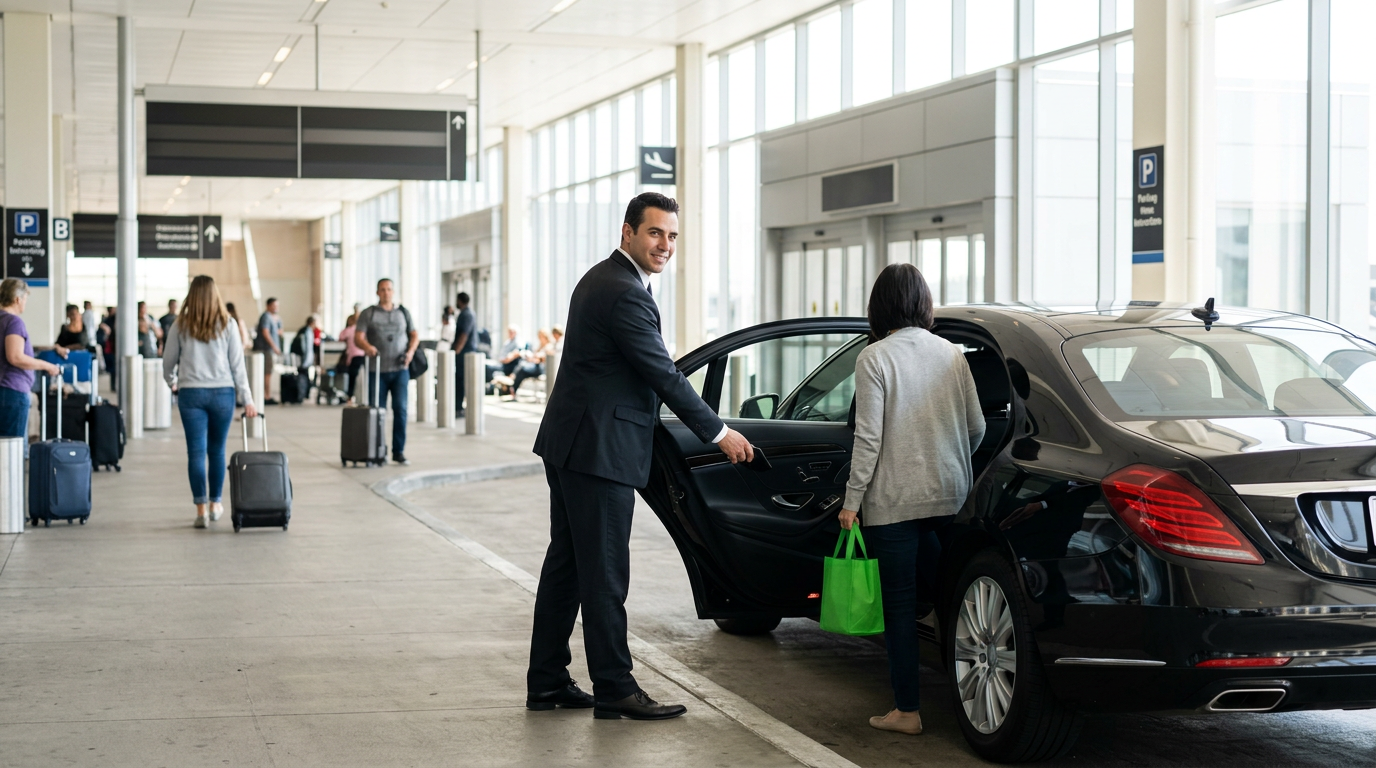
Picture the shape of a night we see constantly at UAE chauffeur fleets, drawn from the operations we work inside rather than from one particular company. It is 02:40 and a dispatcher is holding two phones. On one, a driver has been parked in the DXB Terminal 3 waiting area for fifty minutes because a Zurich flight pushed back twice. On the other, a guest's PA is asking for the third time whether the car is still coming. Nobody has told the driver that the guest cleared immigration through the fast-track lane, and nobody has told the PA anything at all, because the dispatcher is on the phone with a different client whose Jeddah flight was cancelled outright. The ride eventually happens, the guest is irritated, and the fleet has burned an hour of paid labour relaying information a computer already had.
That hour is the whole problem. Airport chauffeur work is not a booking business, it is an information-relay business, and the relay is where the money leaks.
The answer, before the build
An AI receptionist for a chauffeur business works on airport pickups when it is wired to a live flight-status feed and given permission to send outbound WhatsApp template messages on its own, without a human approving each one. Learnmind configures these systems so a single booking record subscribes to the guest's flight number, and every change in that flight's status (delay, gate landing, cancellation) automatically fires a message to the guest, a message to the assigned chauffeur, and a dispatch alert only when a human decision is genuinely required. The receptionist is not there to chat. It is there to make sure that the three parties in an airport pickup always hold the same version of the truth at the same minute.
Everything below is the mechanics of that sentence: what to collect at booking, how to attach the flight feed, what the message ladder looks like, when to hand the conversation to a person, and the places where we have watched this design break in production. If you take only one idea away, take this: the receptionist's job is timing, not conversation.
Getting the account layer right before you write a single message
You cannot send proactive messages on WhatsApp from a personal number or from the free WhatsApp Business app. Airport pickups require the WhatsApp Business Platform (the API), which requires a verified business. According to Ainora's WhatsApp agent guide, business verification in Meta Business Manager takes one to five business days and needs official documentation such as trade licence, tax documents or a utility bill. For UAE operators, the trade licence and the licence-holder's Emirates ID are the documents that clear fastest. Start this before anything else, because the verification queue does not care about your launch date.

Choosing a provider you can leave
The second decision is your Business Solution Provider, and it matters more than the first. We hold a firm position here: platform lock-in is a bigger long-term risk than implementation cost. A cheap all-in-one limo platform that owns your WhatsApp number, your conversation history and your booking data will cost you far more to escape in year three than a slightly pricier stack with open APIs and portable data. Ask any vendor two questions before signing: can I port this WhatsApp number to another BSP, and can I export the full message history with timestamps? If either answer is vague, walk. We compared the realistic options in our breakdown of BSP choices for WhatsApp.
The template messages you must submit early
Outbound messages sent outside a 24-hour customer service window must use pre-approved templates. This trips up more chauffeur fleets than anything else in the build, because a delay notification at 3am is almost always outside the window. Draft and submit these before you build the logic:
- Booking confirmed, with flight number, pickup point and chauffeur assignment pending
- Flight delay detected, new estimated landing time, car rescheduled
- Flight landed, chauffeur name, vehicle make and plate, meeting point
- Chauffeur waiting at meeting point, with a live location or a photo of the sign
- Flight cancelled or diverted, with a request for instructions
Variables belong in every one of those. Templates with rigid promotional phrasing get rejected; transactional templates that read like a status update get approved. If the approval rules feel opaque, we wrote a plain-language walkthrough of the WhatsApp platform terms that explains what Meta actually cares about.
Capturing the four fields that make everything else possible
An airport pickup automation is only as good as the data captured at booking. Four fields carry the entire workflow: flight number, arrival date, guest's WhatsApp number, and terminal or meeting preference. Miss the flight number and every downstream trigger dies quietly.
So the receptionist has to be stubborn about it. When a guest writes "pick me up Thursday morning from the airport", the AI should not accept the booking. It should ask for the flight number, and if the guest replies that they do not have it yet, it should create a provisional booking flagged as incomplete and set a follow-up for twelve hours later. We have seen fleets lose entire mornings because a dispatcher accepted a job with "arriving around 9" written in the notes field.
Validating the flight number at the moment of capture
Guests mistype flight numbers constantly. EK is not EY, and a booking attached to the wrong carrier will report a perfectly on-time flight while your guest sits in a different terminal. Have the receptionist validate the flight number against the live feed the instant it is entered and read back what it found: carrier, origin, scheduled landing time in Gulf Standard Time. If the feed returns nothing, the AI asks again rather than saving a dead reference. This single check removes the most expensive failure mode in the whole workflow.
Where private aviation breaks the pattern
Fleets doing DWC or private jet transfers will find that commercial flight feeds carry little or nothing for those tail numbers. Handle these bookings as a separate route that pages a human coordinator instead of pretending the automation covers them. Being honest about this in the build is cheaper than discovering it on a job for your best client.
Attaching the flight feed and defining the trigger ladder
Once a booking holds a validated flight number, subscribe it to a flight-status webhook. The subscription should activate roughly twenty-four hours before scheduled arrival and remain live until the guest is in the car. The industry has moved decisively in this direction; Unico Taxi describes the old model of calling a dispatcher and waiting, hoping the requested pickup time is honoured, as the thing on-demand booking and AI dispatch are replacing with systems that react to real-time data.
Think of the trigger ladder the way a farmer thinks about irrigation timing. You do not flood the field on a fixed calendar; you open the valve when the soil moisture reading says the roots need it. The flight feed is your moisture sensor, and each message is a valve that opens only on a real reading, never on a guess about when water might be needed.
The ladder we install for airport work runs like this:
- T-24 hours: confirmation to the guest restating flight, terminal and meeting point, with a one-tap way to change anything
- T-4 hours: chauffeur assignment sent to the guest (name, vehicle, plate) and the job pushed to the driver with the live flight link
- Any status change: revised landing time to both guest and chauffeur within seconds of the feed updating
- Wheels down: message to the guest with the exact meeting point, message to the chauffeur to begin the approach
- T+25 minutes after landing with no guest reply: gentle check-in to the guest, and a hold instruction to the chauffeur
- T+75 minutes with no contact: escalate to a human dispatcher, no exceptions
Suppressing the messages nobody wants
A five-minute schedule wobble is not news. Set a materiality threshold so the receptionist only messages the guest when the estimated landing time moves by more than fifteen minutes, or when the terminal changes, or when status flips to cancelled or diverted. The chauffeur can receive every ping, because drivers want granularity. Guests do not. A fleet that messages a sleeping first-class passenger four times about a rolling nine-minute delay has not automated service, it has automated irritation.
Rebuilding the driver assignment when the delay is severe
Long delays create a dispatch problem, not a messaging problem. If the revised landing time pushes the job past the assigned chauffeur's shift or collides with their next booking, the automation should not quietly send a "we are still coming" message. It should flag the conflict to dispatch with both jobs on screen. Automation that hides a resourcing problem behind a polite update is worse than no automation, because it delays the moment a human can fix it.
Deciding what the AI answers and what it hands over
Configure the escalation boundary explicitly rather than hoping the model behaves. Loman's AI receptionist guide makes the point directly: define which enquiry types the AI manages independently and which transfer to staff, and set the transaction limits and escalation triggers for situations that need a human. For chauffeur fleets, our default split is simple.
The receptionist handles alone: quotes for standard routes, availability checks, booking creation and amendment, flight status questions, chauffeur and vehicle details, meeting-point directions, and payment link delivery. It escalates immediately on: complaints, damage or incident reports, corporate account terms, multi-vehicle roadshows, VIP or protocol requests, anything involving a child seat or accessibility requirement, and any message where the guest asks twice for a human.
That last trigger is not optional. In premium ground transport, the cost of a guest feeling trapped in a bot loop is measured in the loss of an account, not a ride. One useful pattern in a virtual receptionist walkthrough is defining the AI's capabilities as a discrete set of actions (send a message, update a contact field, trigger a workflow, transfer to a human on a detected phrase) rather than as an open-ended personality. Build yours the same way: a short list of things it may do, and a hard transfer for everything else.
Writing for a guest who has been awake for sixteen hours
Tone matters at 3am. Messages should be short, front-load the actionable fact, and never require the guest to scroll. A message naming the chauffeur, the vehicle, the plate and the exact gate is complete on its own. Anything placed before that fact is friction. We push clients to cut every greeting line out of arrival-stage templates and keep the courtesy for the confirmation stage, where the guest has time to read.
The after-hours reality that justifies the whole build
Bookings and changes do not respect a dispatch office roster. CloudTalk makes this point about AI receptionists generally, noting that many bookings happen outside business hours, precisely when a human is unavailable, and that automated handling turns after-hours traffic into confirmed bookings rather than lost leads. For airport chauffeur work this is not a marginal gain. The arrivals bank at DXB peaks in the small hours, which is exactly when your dispatcher is least sharp and most expensive.
Connecting the receptionist to dispatch without rebuilding your fleet software
Most chauffeur operators already run a dispatch or fleet system. Ground Alliance's roundup of limo and chauffeur software shows how many established options handle dispatch, booking and fleet tracking already, and the right move for the vast majority of fleets is to integrate with what you have rather than replace it.
This is where our second house position applies: build custom only when the workflow is your competitive advantage. Your booking database, your invoicing, your driver rostering, none of that is a differentiator, so buy it and configure it. The airport pickup communication sequence, though, is a differentiator, because it is the thing your corporate clients actually experience and the thing your competitors handle with a tired dispatcher and two phones. Spend your custom build budget there and nowhere else.
The integration itself is usually modest: a webhook from your booking system into the automation layer when a job is created or amended, and a write-back when the guest changes something in WhatsApp. Practitioners have been publishing versions of this pattern for a while, including a WhatsApp receptionist on n8n that chains a message trigger to an AI agent and then to downstream actions. The architecture is not exotic. The discipline in the trigger rules is what separates a working system from a demo.
Verifying the build before a real guest touches it
Do not launch this on a live airport job. Loman's guide is right that testing should include contacting the system from different devices, placing bookings with complex modifications, asking common questions and deliberately triggering edge cases to verify the routing logic. For chauffeur fleets specifically, run these five tests with your own team's phones over a week of real flights:
- The delay test: attach a booking to a flight you know is running late and confirm the revised landing time reaches both test guest and test driver, and that nothing fires for a wobble under your threshold
- The cancellation test: attach to a cancelled flight and confirm the workflow asks for instructions and pages a human instead of proceeding
- The wrong-number test: enter a malformed flight number and confirm the receptionist refuses to save it
- The human-request test: ask for a manager twice in different phrasings and time how long the handover takes
- The silence test: land the flight and have your test guest reply to nothing, then confirm the check-in and the escalation both fire on schedule
Then measure two numbers weekly: median minutes from flight status change to guest notification, and count of jobs where a dispatcher had to intervene manually. Both should fall in the first month. The second one falling to zero is a warning sign, not a triumph, because it usually means your escalation triggers are too tight. We watched a version of this play out in a fleet that cut its response times sharply after moving first-contact handling to WhatsApp, which we documented in our chauffeur fleet case study.
Learnmind, the Dubai consultancy that builds WhatsApp automation and AI receptionists for service businesses, spends most of its time on these two numbers rather than on the conversational quality of the bot, because in airport work the guest judges you on timing long before they judge you on phrasing.
Common questions, answered
Can a WhatsApp AI receptionist track flights automatically?
Yes, if the booking record stores a validated flight number and the automation subscribes that number to a live flight-status feed. The AI receptionist then reacts to status changes from the feed rather than waiting for a guest or dispatcher to notice a delay.
What does an AI receptionist for a chauffeur business cost to run?
Running costs for a chauffeur AI receptionist come from three places: the BSP fee, Meta's per-conversation charges for outbound template messages, and the flight data feed subscription. Message volume per airport booking is small and predictable because it is fixed by the trigger ladder you design, so the monthly cost is straightforward to forecast once you know your job count.
Do I need WhatsApp Business API or is the free app enough?
Airport pickup automation requires the WhatsApp Business Platform API, because the free WhatsApp Business app cannot send automated proactive messages or connect to a flight feed. The API also requires a verified business in Meta Business Manager, which Ainora's guide puts at one to five business days to approve.
What happens if the guest replies with something the AI cannot handle?
A properly configured chauffeur receptionist transfers to a human on defined triggers: complaints, incidents, corporate account questions, special-needs requests, and any repeated request for a person. Everything else it answers itself, and every transfer should reach a named dispatcher within minutes, not at the start of the next shift.
If you do nothing else this month, add a mandatory validated flight number field to every airport booking you take, because no amount of clever messaging survives a job logged as "arriving around 9". Fleets that want the full sequence built, tested against real delayed flights and wired into their existing dispatch system bring that work to us at Learnmind.





